On October 30, 2014, YouTube has made a new feature available in which videos will be able to stream at 60 frames per second as opposed to its usual 30. While the majority of video buffs and avid gamers out there will be excited about this, it’s kind of hard for people on the sidelines to understand what’s so interesting about doubling the amount of frames that each video displays per second. Also, there is a lot of science here that I think we’re missing out on in the middle of all of this excitement. YouTube’s move towards 60 frames per second is a break from a very long tradition that goes back to when black and white television was aired.
Understanding The Human Eye And Frames
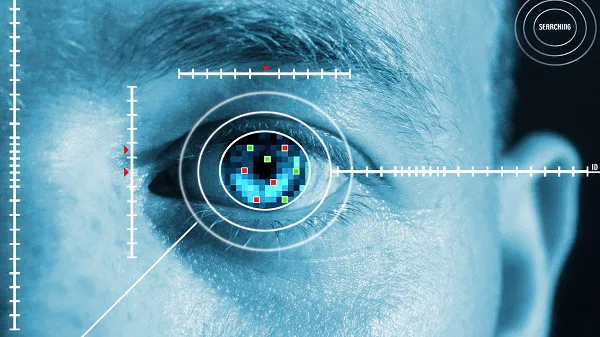
According to a book called “Restoration of Motion Picture Film”, the human eye can process up to ten or twelve images per second. The amount of images displayed on a screen every second is known as a video’s frame rate, and it’s measured in frames per second. In conclusion, that means that the “frame rate” of the human eye is roughly 10 frames per second, right?
Nope! You see, your mind isn’t a synchronous processor behind a camera lens. It doesn’t just flip on a switch every hundred milliseconds to capture the image and then send it over for processing. Instead, it’s constantly processing and grabbing incomplete pieces of images and making them into a full picture. The time it takes for the brain to do this gives it the possibility to fully process an entire image every 100 milliseconds. This means that you’ll still notice how jittery the image is if you’re watching a video at a framerate of 10 frames per second.
30 Frames Per Second
When television programs were first being aired in homes throughout the United States and Europe, there was a serious question looming on the horizon: How many frames of video should we display on the screen every second?
Most cameras at the time were shooting at roughly 24 frames per second, so this became a standard for television ever since. Eventually, to reduce the inter-frame judder, television broadcasters adopted the 30p standard (30 frames per second). Many television broadcasters still use this standard today effectively.
Why Double to 60 Frames Per Second?
Despite the massive success of the 30 FPS model, it has its downfall in high-speed scenes. You can still notice some judder which your brain processes as a blur. We’re no longer using film, which requires rigid standards for the rate at which the film will flow through mechanical cylinders. Instead, we have codecs that can automatically detect the frame rate of a video file and play it accordingly. The 30 FPS standard, as a result, is becoming less popular and the adoption of 60 FPS video is accelerating in TV.
YouTube, the world’s biggest digital video streaming service, has decided to dump the 30 FPS standard to move to 60 FPS. For now, this change is only viewable in Google Chrome. This is going to make video silky smooth, if not significantly smoother. Have a look at a sample: