Text-based interfaces are a big part of any computer: it is virtually impossible to find an example of a computer in use without some text displayed. Thus, people have favourites with regards to how they like text to be displayed.
We previously covered why Windows comes with so many fonts as standard – a practice that, we’re sure, is repeated on Apple’s Macs and across various Linux variants. Now, it is time to explain how these already lengthy lists can be expanded upon.
Suffice it to say the fonts covered here should function on any and all major operating systems, so you need not worry about platform exclusivity or compatibility issues.
1. FontSquirrel
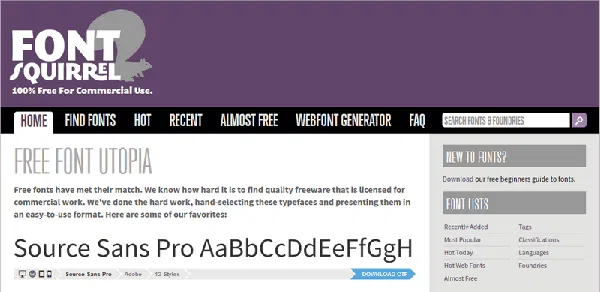
While it may not have been around for as long as DaFont or 1001FreeFonts, FontSquirrel has carved out a niche for itself. Most of its fonts come with numerous weights and styles, remaining at the delightful price-point of “free.”
Licensing for fonts is at best confusing, though those on FontSquirrel are entirely free for purposes that even include marketing. The site is easily browsed, and there is no trickery with having to download from shady third-party websites. Should you be prepared to pay out for very specific fonts, they do have a “Nearly Free” option as well.
2. DaFont
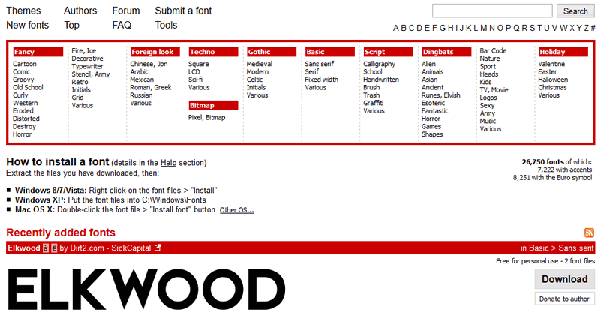
Naturally, DaFont is one of the most obvious sites for downloading fonts, and it would be wrong if we didn’t include it in this list; after all, it didn’t become an obvious destination without reason.
The variety is massive, although licensing is murkier than through sites like FontSquirrel. Each font varies in how it is licensed, and in the screenshot above, you can see the words “free for personal use” just above the download button.
Nevertheless, DaFont is an entirely worthwhile website to check: broadly speaking, it features more “novelty” fonts than some of the other sites. While they may not be great for body text, they perfectly evoke a certain era or style that cannot be matched any other way, and this could be valuable for specific purposes.
3. 1001 Free Fonts
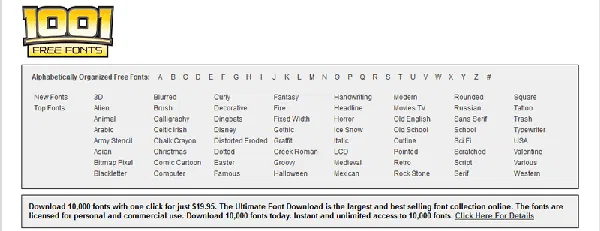
Like DaFont, 1001 Free Fonts has been around for a long time, and it can be worth checking both. Again, licensing is a confusing topic though there’s no real reason to stop personal use – just check closely should you decide to use the fonts in a professional environment.
Don’t let the name fool you, for the site has far more than 1001 fonts to choose from across a variety of categories. As before, there are numerous novelty fonts: replications of brand logos, faux-Cyrillic, retro-inspired and even more are available.
4. The League of Moveable Type
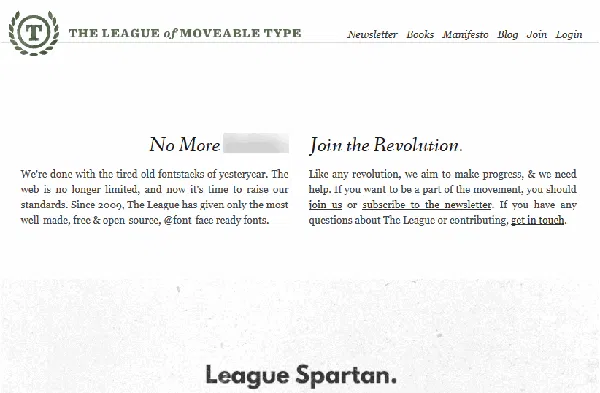
By far the longest name on our list, the League, as we shall refer to them, produces a number of highly-polished and professional fonts. Pleasingly, they’re all free and some can be substituted for familiar faces.
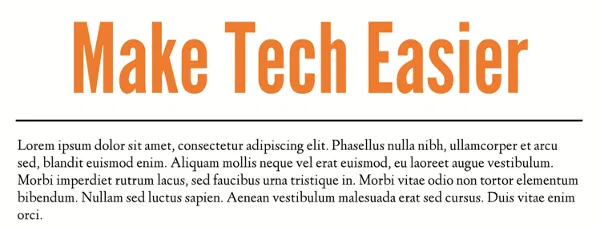
League Gothic is a prime example of a free substitute, in this case for Microsoft’s Impact. Somewhat ironically, the slight change can have even more of an impact.
Not all League fonts have numerous weights or styles, though one major asset in their favour is the clear licensing. The League’s fonts are all distributed on the basis that they can be used and reused anywhere for free, and they describe themselves as the “first open-source type foundry”.
5. Google Fonts
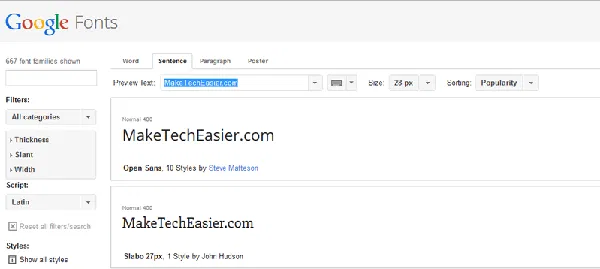
Google’s key product might be a search engine, but the company has plenty of other projects as well. Google Fonts is one, and it happens to be a very well-rounded font directory with hundreds of options.
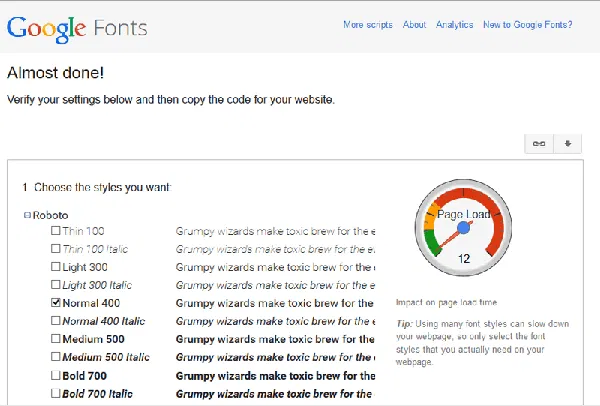
Though Google Fonts might be primarily intended for web developers, all the options can be downloaded and used locally as well. Fonts have their own licensing restrictions, so it can be worthwhile to double-check these.
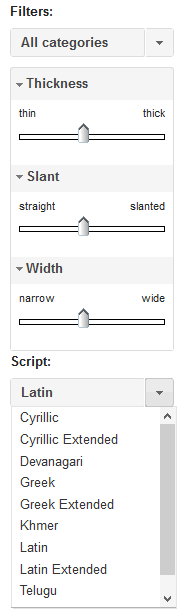
Google Fonts is probably the best location from which to get fonts like Roboto and Droid Sans, which have defined the company’s Android OS for years, but it also has some excellent search tools that could turn up an oft-neglected gem.
Personal Searching
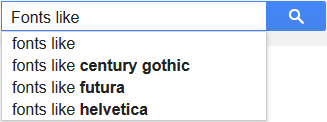
There’s no shortcut to this one, but often times, you can find more obscure fonts than those listed on such websites as those listed above. Whether they’re a better match to your overall vision or not is a matter of personal taste.
Useful searches include “fonts similar to“, “fonts like” and “ lookalike“. Other services, including What The Font, may also be of benefit if they can identify a likely contender.
Utilising all of these methods, you should be able to expand the selection of fonts on your computer substantially, allowing you to tweak text displays far beyond what you previously could – all this, for absolutely no financial outlay.
Remember also that while you can download many new and interesting fonts, you can also delete those you’re not a fan of in more than one way. We previously explained how to delete fonts using the Registry, and it is a convenient trick to know.
Image credit: Chemistry Font