Videos are everywhere these days. In the old days, limited bandwidth and immature technologies limited how often videos could be used within webpages. Now, seemingly every other article is accompanied with a video clip. These videos come with straightforward methods of sharing them via social media or embedding them into blog pages, but what if you want to share them via Gmail using a method more attractive or accessible than just pasting a link? This guide will show you how to attractively embed a YouTube video into Gmail.
Let’s Get Started
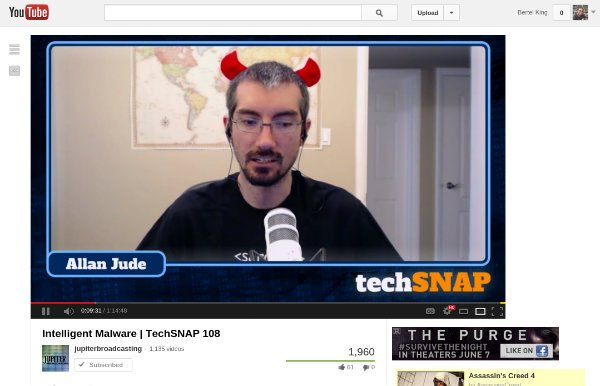
Lets say I want to share a video about intelligent malware with a friend. They don’t exactly practice safe computer, and I want them to be aware of the risks. The first thing I need to do is find the video on YouTube and copy its URL.
You will then need a screenshot to insert into your email. For some reason, you cannot use just any image for this to work. Instead, do a YouTube search for the video you want to link to. Then take a screenshot of the correct search result.
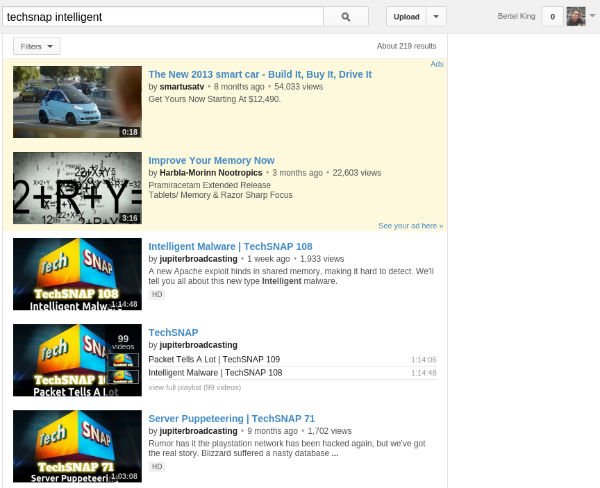
There are many ways to create the image you need, such as using a screenshot capturing program that lets you select just a portion of the screen. While I tried opening a full screenshot inside an image editor and cropping it down, I found that this technique no longer worked with certain images that were edited. The less tampering you have to do to create the image, the better. Here is the image I will insert into Gmail.

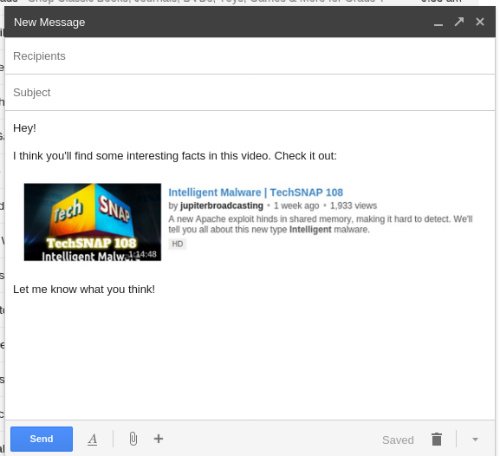
Next, load up your Gmail account and start composing an email. Insert your cropped image into the email the way you would any other picture.
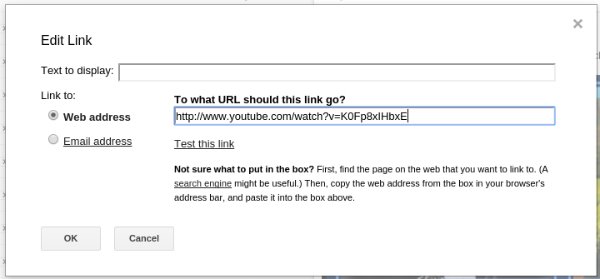
Now, select the image, and insert the hyperlink. You can do this by clicking on the image and clicking on the pop-up that appears. Alternatively, you can highlight the image and click “Insert link” in the toolbar at the bottom.
Your recipient should receive a video with a YouTube video still inserted at the bottom of the page. This bottom video can be expanded and viewed without having to open a separate page.
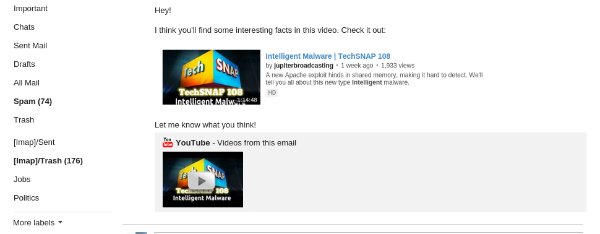
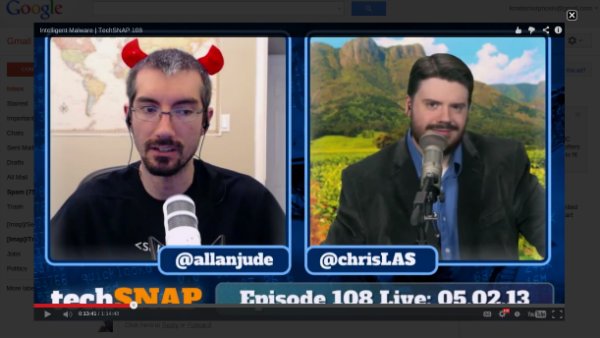
Yet if this were a longer email, you may not want someone to have to scroll all the way to the bottom before realizing there is a video available. Also, clicking on the video you personally embedded will provide for a better viewing experience than clicking on the video at the bottom. The screen will dim, and your recipient will be offered a near full-screen viewing experience that’s arguably better than watching the video on the YouTube site itself.
You’re Done!
Gmail has long embed YouTube videos into the bottom of emails containing links to YouTube videos. While this option is convenient, it isn’t the most attractive. By manually embedding your video, you take control of your email’s appearance and provide a better experience for your recipient. Go ahead, surprise someone with a video clip, and let us hear about your experience in the comments below.