Thanks to the Internet, a beginner doesn’t really need to seek anyone’s help anymore. This holds true for several things, and technology-related queries are certainly one of them. Some weird noise is coming out of your laptop? Getting slower network speed? Don’t like Windows 8’s start screen? Well, there are a gamut of communities waiting to help you out.
While there are several communities like StackOverflow where you can post your questions and have them appropriately addressed, if you find video content more gripping, the Internet has that covered well. In this post, we’ll take a look at some of the most reliable and well-known YouTube channels that you should look up when in need of some help with your computer woes.
1. Eli The Computer Guy
Arguably one of the best resources of learning all things digital, Eli The Computer Guy has come a long way. Having watched his tutorials myself, I can vouch for the quality and accuracy in the matters he talks about.
In the last few months, the YouTube channel has covered buying advice, gadget reviews, and explanations of various technology motives, but that isn’t what made this channel popular. Want to learn about Linux, Ubuntu, or understand various network concepts such as DNS and routing? Eli The Computer Guy is the place you should head to. He has also explained various programming languages – HTML and Perl to name a couple. The way the channel approaches a concept and simplifies all the tech jargon is what makes it worth your time.
2. Life Hacker
Though the channel is not just about technology, as they indulge in other categories as well, Whitson Gordon and company are certainly no slouch at computer skills either.
Not only will you find their YouTube channel filled with a bevy of great technology tips, writers of the website also do a podcast where you can have your questions answered. Periodically they also do a dedicated podcast to help others which they run by the name of “Ask LifeHacker.” You can visit their website or email them to get your questions answered. You can find information about the podcast on its website or the YouTube channel.
3. MKBHD
Run by Marques Brownlee, a very popular YouTube personality, in his channel MKBHD, he explains personal technology.
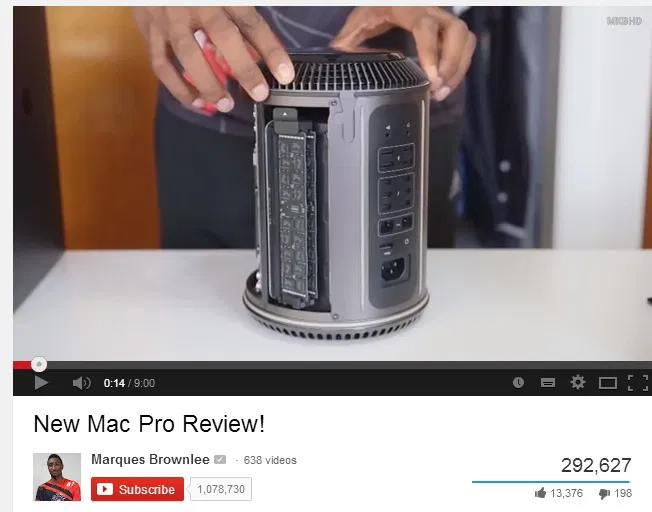
Want to know all the buzz about 4K videos? What does Motorola’s acquisition mean to Lenovo? Tune into MKBHD, and he will explain things in a very succinct way. Much like Lifehacker, you can tweet to @mkbhd or comment on his videos with your queries, and he will try to help you out.
4. Digital Inspiration
Quite aptly named, Amit Agarwal, a very popular name in the tech industry, finds new hacks and tips to share with readers and viewers. He has been doing it for years and has coded several hundreds of scripts that make other people’s lives easier.
Whether you want to book your tickets or learn how to setup your website on Google Drive, Digital Inspiration, better known as Labnol, has you covered.
5. Tech of Tomorrow
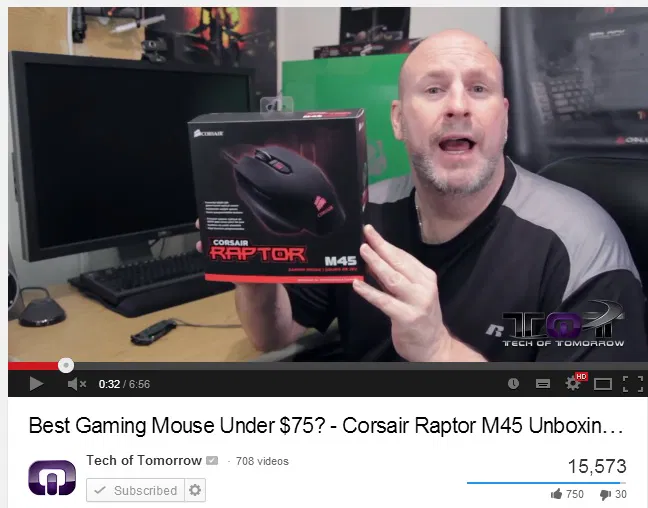
This popular YouTube channel helps you with purchase decisions for computer peripherals. Having a tough time choosing between Intel and AMD processors? Want to clarify your doubts about the latest model of the Intel processor? Tech of Tomorrow is a nice place to start.
6. Maximum PC Mag
If you’re looking for information on graphics cards, motherboard, processor, and other hardware components, Maximum PC’s YouTube channel is one of the best resources available on the web.
Unlike many other channels, folks over at Maximum PC don’t hold back from screaming at a device and giving it bad reviews if things are not on par.
A nice alternative would be Hardware Canucks.
7. Linus Tech Tips
Linus Tech Tips is yet another great channel for learning about computers among several other gadgets. From setting up a water cooling system to guiding you on the right graphics card, Linus has you covered on all the tech fronts.
While our list of our favorite YouTube channels ends here, there are many others which are simply too good. Newegg TV, Tek Syndicate are two of them. Let us know in the comments below if you have ay favorite YouTube channels for tech help.