Mozilla Thunderbird is one of the best email clients you can install on your devices. What makes it so popular is its huge library of addons that you can install to make it a better email tool. If you are concerned about the security of your emails while using Thunderbird, this list of security addons for Thunderbird should give you peace of mind. What they do is help make your experience with the tool as secure as possible. Here you go:
1. QuickPasswords
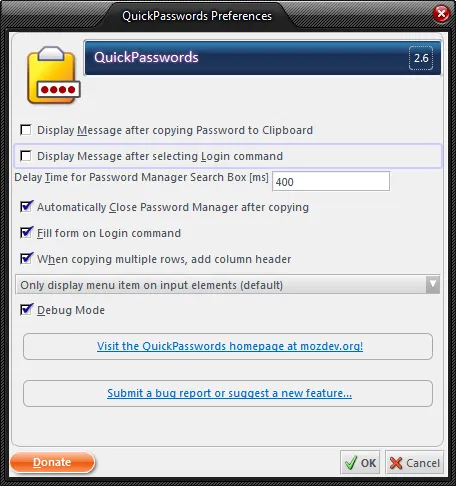
When it comes to getting logged in to websites, there has always been a constant threat of getting your username and password stolen. QuickPasswords keeps all of your login data secure. and it only retrieves them when you need them. For instance, if you are on a website where you want to log in, you just need to right-click the username field, and it should let you autofill it. It is quite interesting, isn’t it?
2. Enigmail
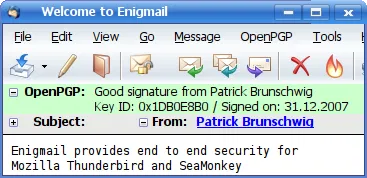
What exactly happens when you compose a new email and hit the Send button? It goes directly to the mail server and then to the intended recipient. However, if it contains confidential information, you may want to encrypt your email before sending. Enigmail encrypts all of your emails, thus making it hard (or impossible!) for the hacker to read your content. An encrypted email looks like gibberish writing that no one can read. The addon is available for both Thunderbird and SeaMonkey.
After installation, you can follow this tutorial to encrypt your mail in Thunderbird.
3. Password Exporter
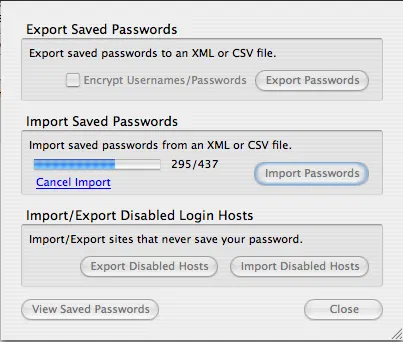
Do you think your system has been affected by viruses and there are some malicious codes active and running on your machine? If this is the case, Password Exporter is the addon you should use. The addon lets you export all of your usernames and passwords that are stored on your machine to a CSV file. Once you have cleaned up your PC, and you think it is time to get all of your login details back, just import the CSV file you exported before and it should work like a charm. You should be up and running with your login credentials in no time.
4. Dr. Web LinkChecker
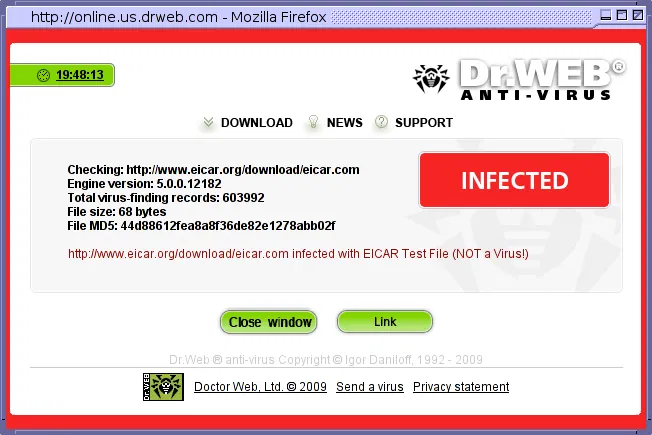
Are you not sure what that link you just got in your email leads to? Does it lead to a malicious file or a phishing webpage? Dr. Web LinkChecker will tell you how safe the URL is that you are about to click on. The addon works great if you get a lot of links in your email and you are not sure how safe they are. When there is a link in the email, you can check its security using the addon and keep yourself always secure. It should also tell you whether the file that you have just received is infected by a virus or not.
This is a must-have addon, and you should not delay getting it installed on your machine.
5. TBTracer
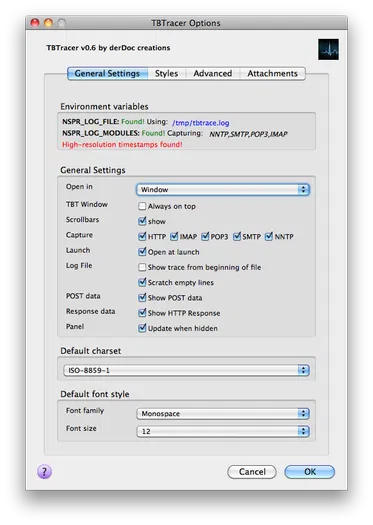
Have you ever wanted to know exactly what data gets transmitted while using Thunderbird? TBTracer should help you know that. What this addon does is show you all the data that is being sent and received to and from your email client. When you know what data is being sent as plain text, you can then apply the encryption addons and make it unreadable. It’s quite geeky, isn’t it?
Conclusion
If you plan to use Thunderbird as your primary email client, you will want to install security addons for Thunderbird and make sure you are well-protected. The addons above will add an extra layer of security to all the things you do with it.