Passwords are like a lifeline to our online life (sometimes offline life too). To protect our data from online intruders and praying eyes, we take a lot of security measures, and one of them includes using password managers like LastPass.
But even with all those awesome security features that come with LastPass, if you are using the same password, or an easy to guess password for all your accounts, it is only a matter of time that your account got hacked. That said, to avoid these kinds of situations and to know the strength of your overall passwords, LastPass provides you with a way to audit them. Let us see how to run LastPass security audit to ensure maximum security.
Run LastPass Security Audit
Before starting the LastPass security audit, it is good to load the usernames and passwords of all your online accounts into LastPass so that you’ll better understand how secure your passwords are.
1. To run LastPass security audit, head to theLastPass security challenge page. If you are using a Firefox add-on or Chrome extension, then click on the extension icon, select “tools” and then select “Security check” to open the LastPass security challenge page.
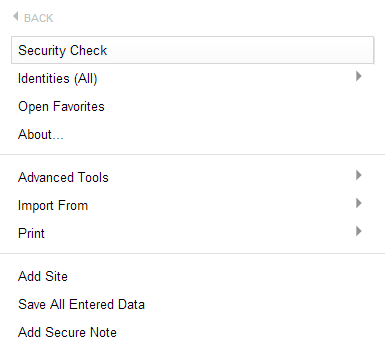
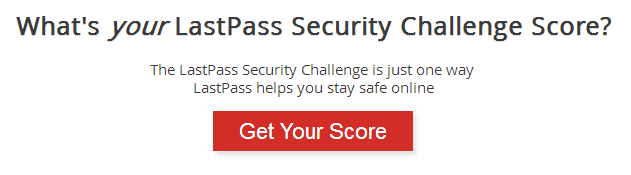
2.Once you are on the LastPass security challenge page, click on the “get your score” button to get started.
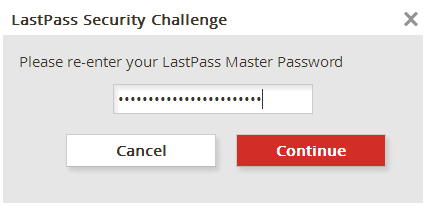
3. The above action will ask you to enter your LastPass master password – just enter it and click on the OK button to start the security audit. If this is your first time logging into the LastPass security challenge page, and if you have LastPass two-step authentication enabled, then enter that time-based code if prompted.
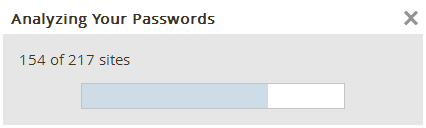
4. Once you are done authenticating yourself, LastPass will analyse all your passwords for their strengths and weaknesses.
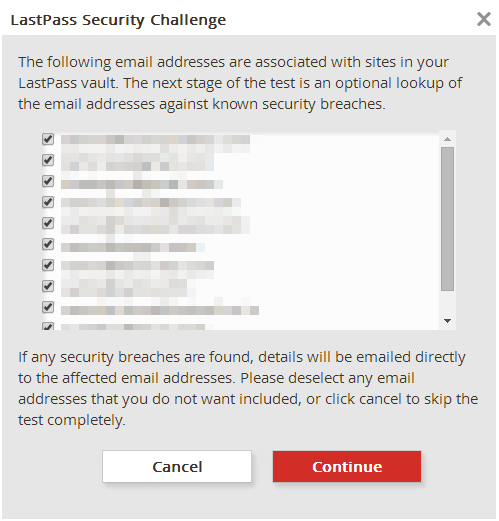
5. Once this is done, LastPass will display a window asking whether you would allow it to cross-reference the email addresses in the vault with the recent security breaches. Just take advantage of this and click on the “Continue” button to continue.
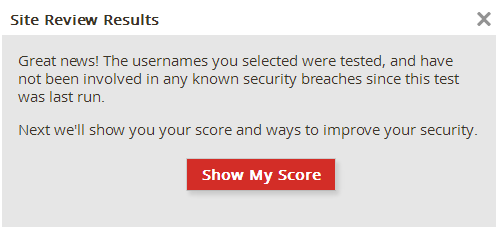
6. If LastPass didn’t find any of your usernames in the recent security breaches, it will give you a negative. Here click on the “show my score” button to see your LastPass security score.
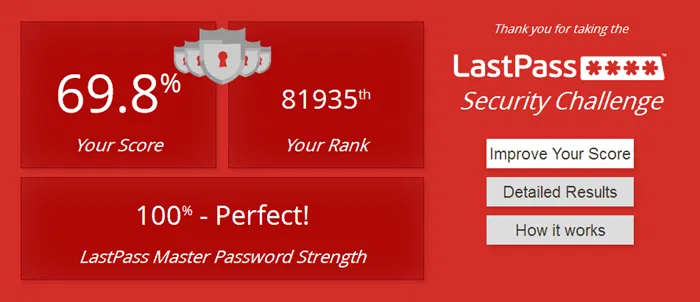
7. The above action will show you your LastPass security audit score. As you can see, I only have 69.8% because I haven’t changed some passwords for over two years, and I’m also using same passwords for some not-so-important websites (Oops!!).
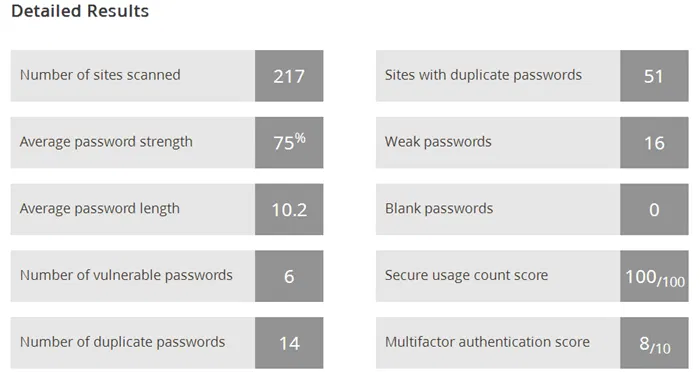
8. To get a more details on the score, click on the “detailed results” button. This action will show your average password length, number of duplicate passwords, average password strength, etc.
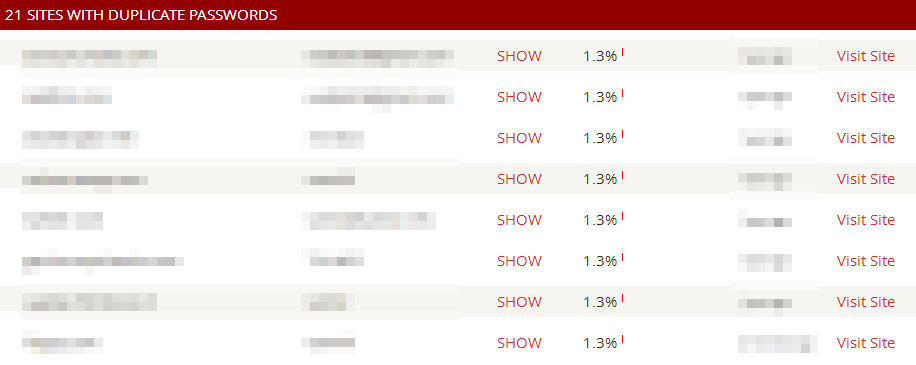
9. Apart from the detailed score, if you scroll down, you will see where you are using duplicate passwords, where you are using unsafe passwords or if you need to update your password due to recent heart bleed vulnerability, etc.
That’s all there is to do. By following all the above steps, you have successfully completed the LastPass security audit. Depending on your score, it is recommended to change your passwords accordingly to improve your LastPass audit score (which in turn means better password security).
Last but not least, don’t ever forget to enable additional security features whenever they are available. Hopefully that helps. Do share your thoughts and experiences via the comments form below.