In December of 2013, many news outlets were reporting that the FBI has had the technology to spy on people’s webcams without turning on the camera’s indicator lights, and even worse, they’ve had this technology for years. The webcam is a source of intimacy to many people who browse the Internet on a daily basis. Some have made makeshift solutions that involve sticking little pieces of paper on the lens when the camera is not in use. But is there really much to be afraid of? How far can organizations (and hackers) go into your computer without your permission?
How The FBI Did It
The question we must ask ourselves before assessing the level of danger in this situation is: How did the FBI manage to get into people’s webcams?
Here’s the answer: The FBI used Remote Administration Tools (RATs) to access the cameras in some computers belonging to high-profile individuals it was investigating. This is the same way that hackers gain access to certain hardware in your computer and exploit it to their advantage.
Remote administration tools are pieces of software installed on your computer that allow any number of interactions with it from a place that doesn’t necessarily have to exist on the same network as you do (hence the term “remote”). If you rely on a web panel to control your computer or router from work or while you’re out of the house for whatever reason, you’re using a remote administration tool to do these things. The amount of “administration” allowed by the tool depends entirely on what it was designed to do and how much permission it has from the operating system to perform these tasks.
Assessing The Threat Level
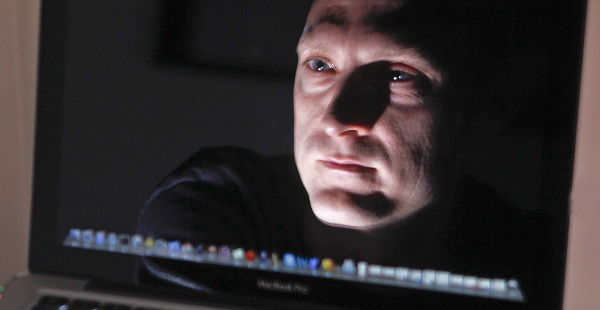
Now that we know the way in which RATs work, we need to find out whether they present a high level of danger. Well, the FBI can’t just open the administrative tool on its own system and expect it to somehow magically “hack” your webcam. It has to be installed and executed on your system in order to capture your webcam’s output.
RATs have two components: a client and a server. The server is installed on the hacker’s computer and does not harm him. The client will have to be installed on your computer for the server to have access to your system. Once those two criteria are met, the two components will communicate with each other, giving the server a backstage pass to all your hardware and files.
RATs aren’t a new thing. They’ve been around since the mid-90s and peaked around the turn of the 21st century. Because the person on the other end needs to “infect” you in order to have access to your webcam, this means that you actually have to install it on your computer (voluntarily, but without proper knowledge of the file) to give away access.
Seeing as you still fit into the equation somewhere, it all has to do with your own prudence. As long as you avoid opening files in emails from strange people and downloading singular EXE files from the web directly, you’re probably not going to experience this issue.
If You’re Still Afraid
There’s reason to still be concerned of the threat regardless of the fact that hackers are powerless unless you install their client software. What if, by mistake, you actually execute one of their viruses? If you feel that protecting your camera is important, put something in front of it when you’re not using it or unplug it (if you have a USB camera, like I do). Of course, if you’re feeling a little more sophisticated, you can always go with Nope, a magnetic camera cover.
Would you like to add to the conversation? It’s your turn, and the comments section below is your canvas! Post a comment if you have something to say!