If you are aspiring to run an online business, you will know the importance of having a great website. With so many options now available for getting your website up and running, it can be a little tricky, and frustrating, to decide whether to hire a web designer or go with the different DIY website creators out there. If you are wondering which direction to take, here are some points to consider.
Note: we are using web designer/developer interchangeably here even though they are quite different in nature.
1. Budget
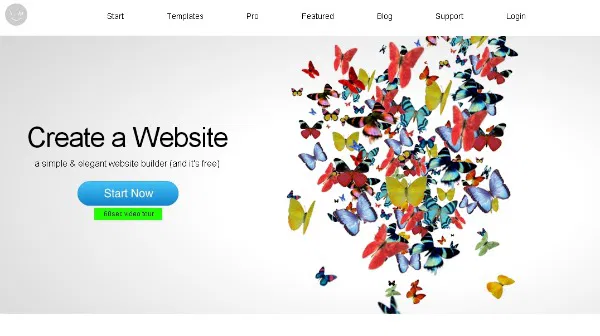
One thing is for sure, hiring a web designer is not cheap. It takes time to code up a professional-looking website, and with the high cost of designing, a good Web designer can easily cost you thousands of dollars. Website creators on the other hand are affordable for the majority of small and medium-sized businesses. In some cases, like the IM Creator, the service is free to build your own website.
2. Time Factor

If you need to get a site up and running in the fastest possible time, and the design is not your utmost importance, then a Website Creator is the best choice for you. For the web designer, he/she will need to design the layout, code the different functionalities onto the site, and ensure everything is working correctly. A project schedule is usually required especially if the website owner is paying by the hour. A website creator however is not so much constrained by the schedule. Everything is right in place and all you have to do is drag and drop the various functionalities. The website code has already been done for you. The layout has already been designed and very little, if any, testing is required before the site is up and running.
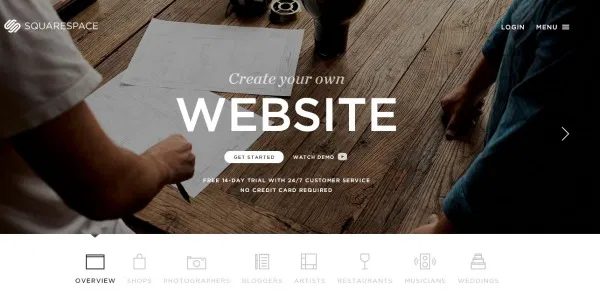
Squarespace is one of those incredibly intuitive website creators that enables you to set up a website using a WYSIWYG interface. You can add and design new pages, content blocks, resize columns, and style website elements. You can, for example, click on any element to change its color, size, and font without being overwhelmed by a complex interface.
3. Customized Features
There are just so many things that a website creator can do. If you need a complicated, or customised feature on your site, your best choice is to hire a web designer/developer. They are more likely to get your site looking/functioning exactly the way you want it. They can dive deep into the code or the layout and make very subtle changes that would otherwise not be possible using a website creator. Things like gradient colors, pop up features, and email subscription options may not always be offered via a website creator tool but can easily be injected into your website by a designer/developer.
A mix of both
The good thing is you don’t have to go with either one or the other. You can first try out website creator and see if it works for you. There are tons of free website creators that you can use. For WordPress, there are also themes that come with a customization feature. If that doesn’t work for you, then you can engage a web designer/developer to patch up the features you need to tweak. Lastly, you might also want to pick up some basic development skill as it will be helpful for maintaining the site in the future.
Conclusion
The decision between going with a web designer or a website creator tool is largely depended on the above factors. Time, money, and the level of customizations required all determine which of the two options will work best for each case. Which one do you prefer: hiring professionals to do the job or do-it-yourself with a website creator?