Various web services tout that they can open Microsoft Office files with ease, but what about files created with LibreOffice? Someone who has relied on the open source program for years and is considering a switch to a Chromebook or wants to access their OpenDocument files from someone else’s machine could benefit from knowing they can access and edit their files from within a web browser. But can they?
Google Drive
Google’s office suite is a well-known free alternative to Microsoft Office, and it offers excellent file compatibility with that office suite. As for OpenDocument support, the experience is hit and miss. You can upload ODT files to Google Drive, but you won’t be able to edit them unless you first convert them into Google’s document format. While Google Drive does not support editing unconverted DOCX files either, it allows you view such files as a PDF. If you attempt to view an ODT file inside Google Drive, you will be presented with a “No Preview” message.
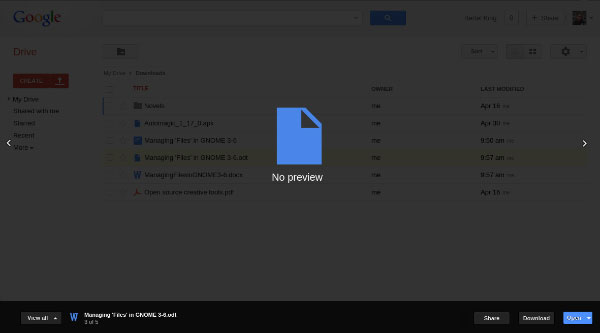
If you do convert an ODT file into Google’s format, you can edit it inside Google Drive just fine. Unfortunately, your document will probably lose its formatting. You can fix the document and redownload it as an ODT file again later if need be. If you are working with simple documents, this shouldn’t be too much of an inconvenience.
OpenDocument Reader
If you just need the option to quickly view an ODT file within your browser, the OpenDocument Reader extension for Google Chrome is here to help. After you’ve granted the extension access to your account, you can view ODT files using the extension directly from your Google Drive.
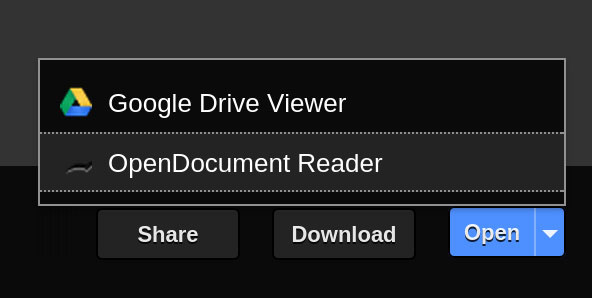
The file will open as a preview inside Google Drive. The formatting still won’t be perfect, but it’s better than nothing in a pinch. Just don’t expect images embedded inside your document to load.
Doctape
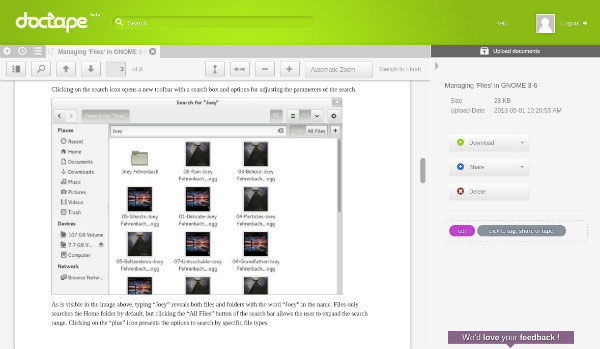
Doctape is a free service that allows you to upload and view a wide range of formats. It doesn’t have support for editing documents, but it does allow you to download documents back in their original format, as a PDF, or to open the file in Google Drive. Formatting still isn’t perfect, but it does a better job than both Google Drive and OpenDocument Reader. The images in my test document actually loaded, even though they weren’t quite positioned correctly.
Zoho Docs
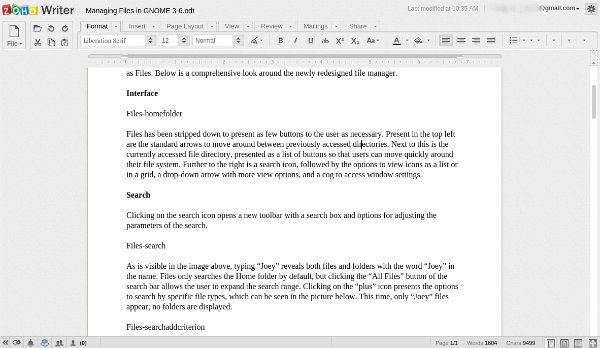
Zoho Docs is a full office suite similar to Google Drive. It’s free, but it also requires you create an account. Once this is done, you can upload ODT files to Zoho Docs just as you would to Google Drive. Unlike Google Drive, Zoho Docs allows you to edit ODT files regardless of if you choose to convert them to the Zoho Docs format. It’s quick, it’s easy, and the results are better than Google Drive’s. My images didn’t load at all, so it’s still not a perfect solution.
Conclusion
Switching between various programs and services to edit documents is inherently risky regardless of your preferred document format. The fact of the matter is that the ODT format is not as well supported as Microsoft’s, but support has improved substantially over the years. OpenDocument users now face inadequate formatting when they used to face only error messages.
It’s best to stick to one program or service to edit a document and export to PDF when you need to share the document with others or reliably read it elsewhere. Nevertheless, there are options available for opening an ODT file in a pinch. If you know of any other alternatives, pleases let us hear about them in the comments below.