You can be sure of one thing, WordPress: it’s not just for blogs anymore.
Below we will discuss six alternative uses of WordPress that aren’t blogging. Yes, you read that right. You don’t need to use WordPress to blog at all! Some of these ways may be familiar to you, but it may be possible that you don’t know much about the others.
1. Social Networks
You must have heard of BuddyPress. If not, it’s basically an awesome plugin that converts your WordPress site into its own little social network, with features like profile creation and messaging. It won’t be the most fantastic social network you’ve ever used (We mean that it can’t become MySpace now, can it), but combined with dozens of other awesome social networking plugin, you can develop a nice social network in a familiar CMS platform.
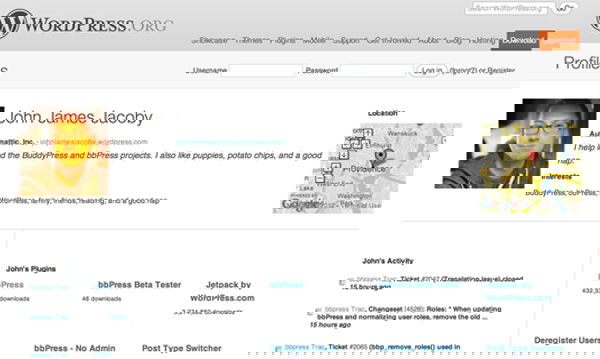
These type of plugins would be best suited for those of you who are planning to generate a community for your school, workplace, church or anything else similar. Speaking more realistically, we’re sure you’re not going to be the next Mark Zukerberg, or to create the next Facebook, as it would take too much coding, server space and maintenance to achieve something like that. However, if you are willing to do something on the local level, then BuddyPress would be your best bet.
2. Forums
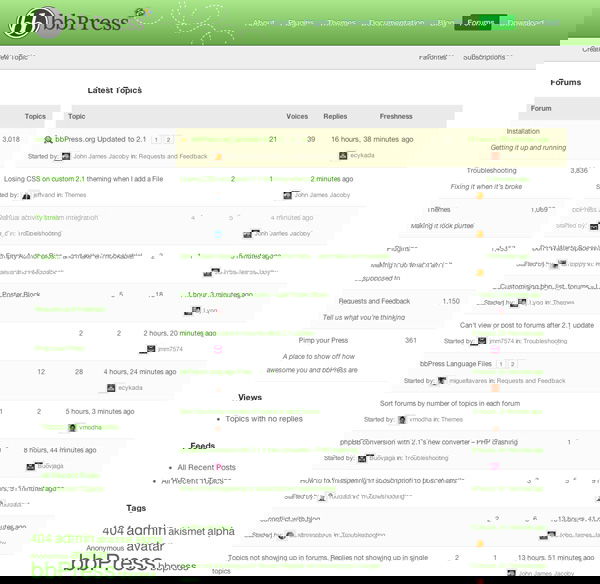
If you’re not really fond of social networking, forum is yet another thing you can transform WordPress to. Forum is a good way to build a community and there is the BBPress plugin that can turn your WordPress sites into forums. The plugin is equally powerful as BuddyPress, and it totally converts your site into a fully functioning forum that you and several others can socialize on. There is also another plugin named SimplePress, though it is not really a free solution (the plugin is free, but the support is not).
3. Portfolios
Many people are fond of using WordPress as a portfolio for their work. You can think of it as an “organic record” of your craft, one that you constantly update and immediately share to tell your story over a period of time. Personally, I believe that the work you do and your best work is typically your most recent work (except in extreme cases.) So, even in a blog format, you can trust WordPress to accurately display your skills to potential clients.
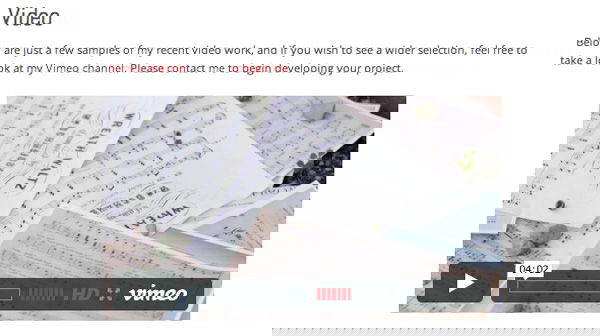
Alternatively, there are many WordPress themes out there that offer various gallery functions to display your work as a whole. One page can show numerous thumbnails, which can lead to related items such as photos, videos and designs, which is pretty cool. We have a few themes that you may want to consider when wanting to develop a portfolio.
4. Landing Pages
Most of you out there will know all about Flavors.me and About.me, but if you want something to display your credentials with a little more punch, you may want a landing page that is similar to the aforementioned sites, but also want a link to your personal blog along with multiple pages. Luckily for you, WordPress allows you to select a static page to be your front landing page. Depending on what you want, you could make this a bio, a contact page, or whatever you want!

This is super easy to do. Just go into your “Reading” settings, and select a page from the panel to display as your front page. Aside from this, your WordPress site will function as per usual. Your blog will even function as normal, only the URL won’t land on the latest post. Furthermore, you could use your landing page to display your resume.
5. Resumes
As mentioned above, whether you are incorporating your resume into a website or just using it as a landing page, WordPress is one of the best ways available to display it. It’s easy to put it online, to update it, and to share.
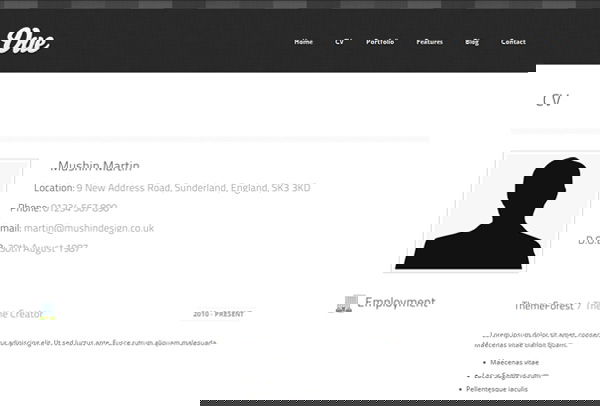
Whether you are incorporating your resume into your website or using it as a landing page, WordPress is one of the best ways to display it. It’s easy to put it online, to update it, and to share.
6. E-Stores
Many people, most probably including you too, buy all sorts of things online these days, and you can even take part in the online business world. Despite its main functionality as a blogging platform, WordPress can also serve as a way to conduct e-commerce fairly easily. Ranging from various features to list your products in a e-store format all the way to the ability to conduct transactions, WordPress can serve whatever e-commerce need you require.
e-Commerce plugin is what we’d suggest you use to get started with developing themes that incorporate the ability to sell your wares online – plus, its developers offer tons of video tutorials and user-backed support.
On the other hand, you may want to go the easy route and utilize a pre-built theme for your virtual storefront. Try the following themes:
- Sell ($55)
- Wootique (Free)
I am sure there are tons of other ways to make good use of WordPress. The list above is not supposed to be conclusive. What other ways do you use WordPress? Let us know in the comments.
Image credit: W for WordPress