Let the facts speak for themselves. Google is still the king of the search engine results. In October 2014, Google had 67% share on the rankings, followed by Bing at 19.5% and Yahoo at 10.3% respectively. However, while webmasters, entrepreneurs, and marketers focus on reeling the best SEO practices for Google, we can’t overlook the “underdogs” that also drive traffic to our websites such as Bing, Yahoo! Ask.com, and even the “little David,” DuckDuckGo that’s been up since 2008.
That’s quite a significant percentage for Bing based on comScore’s recent report. So, if you want to get your site indexed in search results, we’ll teach you how to submit it and configure your WordPress site using Bing Webmaster tools.
How to submit and configure WordPress site
1. Go to bing.com/toolbox/webmaster and sign in using your Microsoft account. If you don’t have an account yet, click the “Sign up with Microsoft account” instead.
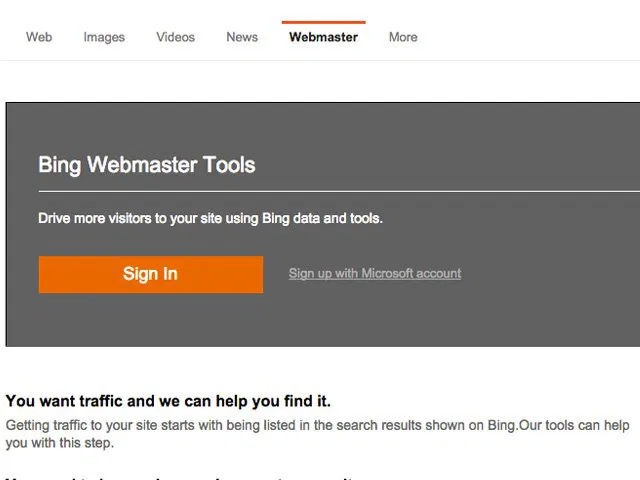
2. Assuming you’ve gone through the registration process and your Microsoft account is ready, enter your username and password and you’ll see Bing’s Webmaster dashboard afterward (see below).
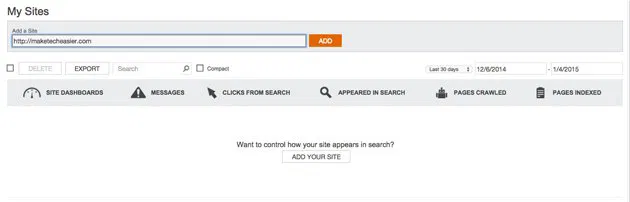
3. In the field under “My Sites” type the URL of the website you wish to add, then click “ADD.”
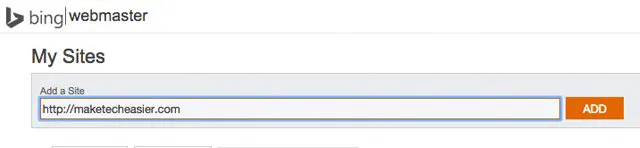
4. If you have created a sitemap before, you can type copy and paste it in the field. Skip it if you don’t have one; you can add it later on.
5. Choose the time zones that best fit the hours you’re receiving more traffic.

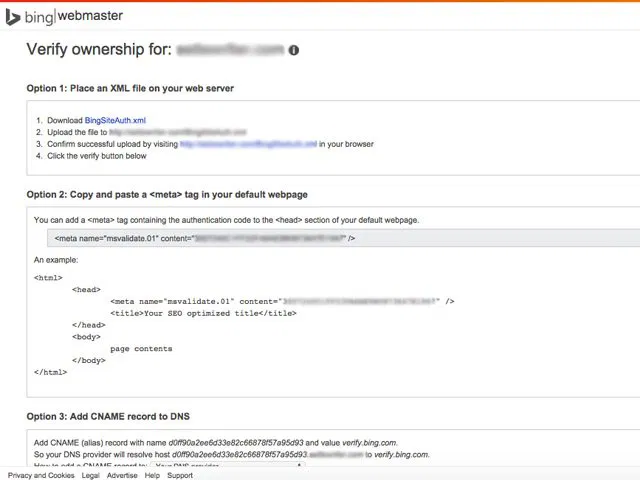
6. Bing requires you to verify the ownership of the site which you can do in three ways. The simplest way is by pasting the tag in the header page of your WordPress blog.
7. On the WordPress dashboard, go to “Appearance” (make sure you have administrator rights), then go to Editor and find the header template. (FYI: theme options vary; you just need to find the “header.php” once you’re on the Editor’s page.)
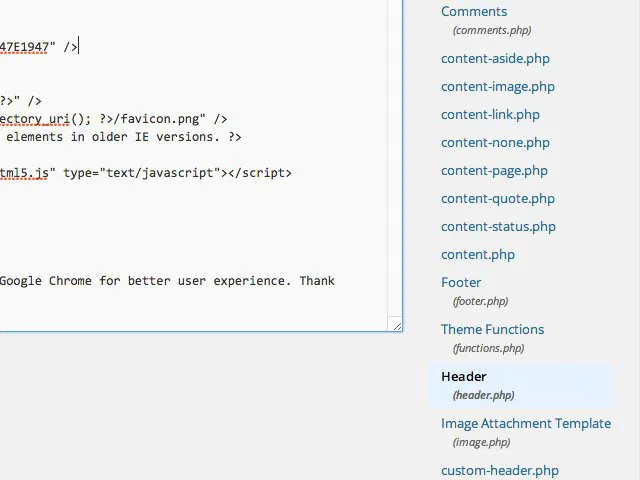
8. From Bing’s webmaster dashboard, copy the code and paste it on the header, following the given format.
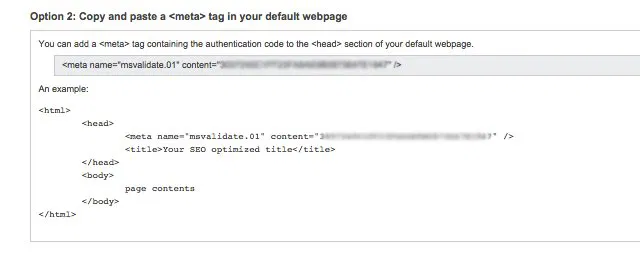
9. Click “Update File” and refresh the browser.
Note: if your WordPress setup doesn’t allow you to write to the theme file directly from the dashboard, here is what you can do:
9.1. Using an FTP application, download the “functions.php” file from your themes folder.
9.2. Open it with a text editor and insert the following lines to the end of the document, just before the ?> tag.
add_action("wp_head","add_bing_meta_verification");
function add_bing_meta_verification(){
    echo '';
}
Make sure you change the meta tag content to what is given to you by Bing.
9.3. Save and re-upload the “functions.php” file to the server, overwriting the old one. If you are using a caching plugin for your site, remember to clear your cache after making the changes.
10. Go back to the Bing webmaster dashboard and click “VERIFY.” If you’re receiving errors, refresh your browser again or reboot the computer.
Note: give Bing more time for the verification process. In this tutorial, I’ve received errors a couple of times (I think I had server issues that time), so I went to sleep and tried to verify the site the next day and it has gone well so far.
Once the verification process is done, you’ll see the Site activity on the Dashboard, coupled with metrics like clicks, search keywords, inbound links, number of pages indexed, etc.
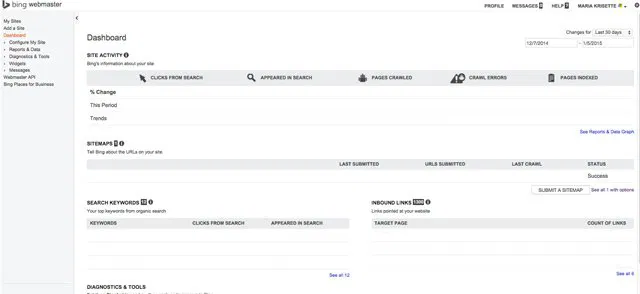
On the right side of the dashboard, you’ll find a smorgasbord of settings and tools for data analytics and more.
If you want to add other WordPress sites, simply repeat the steps above. You may also try the other two options by downloading the .XML file and then uploading to your site via FTP client or configuring your DNS settings in your domain hosting dashboard.
Feel free to comment below and let us know how it goes on your side.